albishared albums with friends
Make an album for the things you do together. Everyone adds their photos and videos, reacts with a talking head, and shoots disposable rolls nobody sees until they’re developed.
Download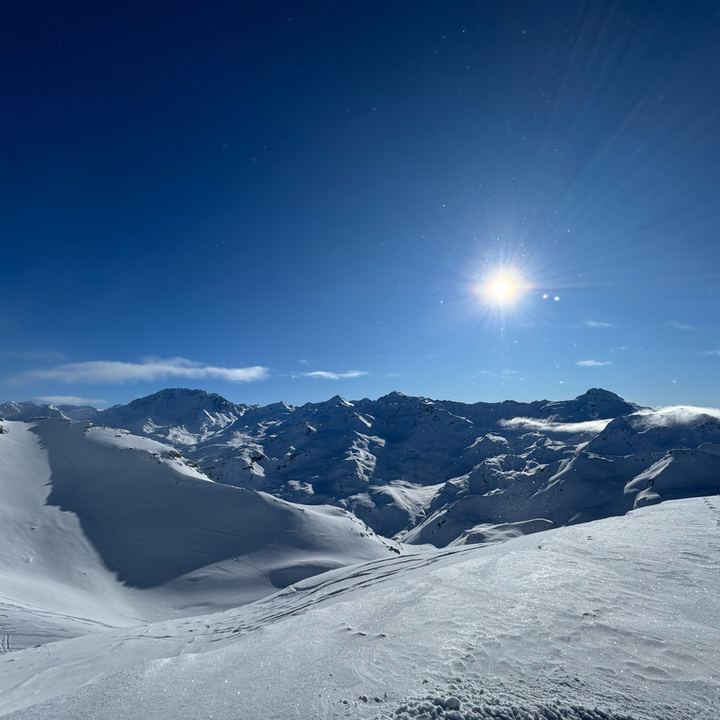
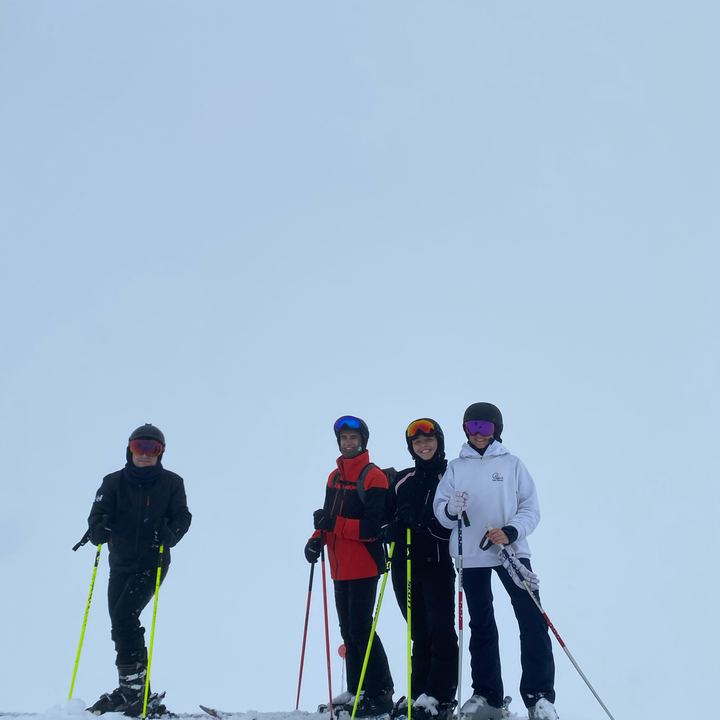
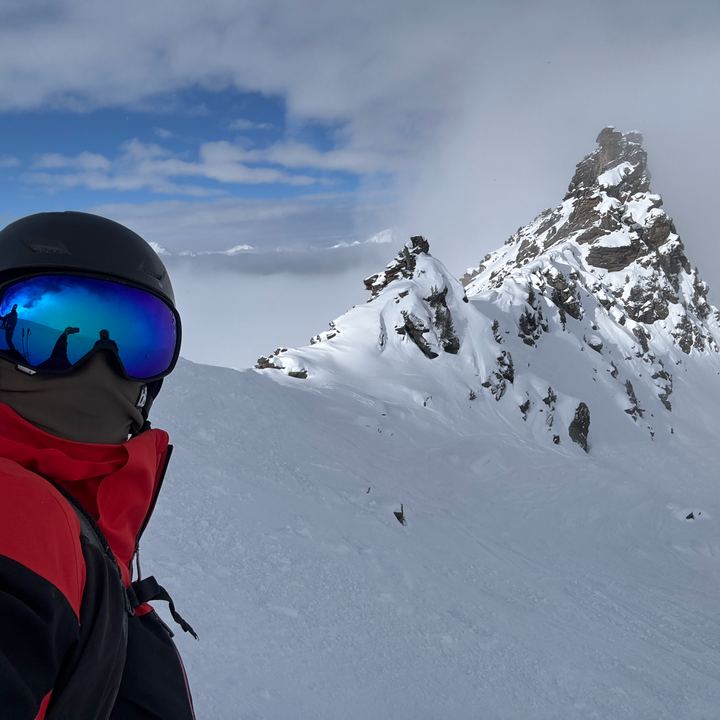
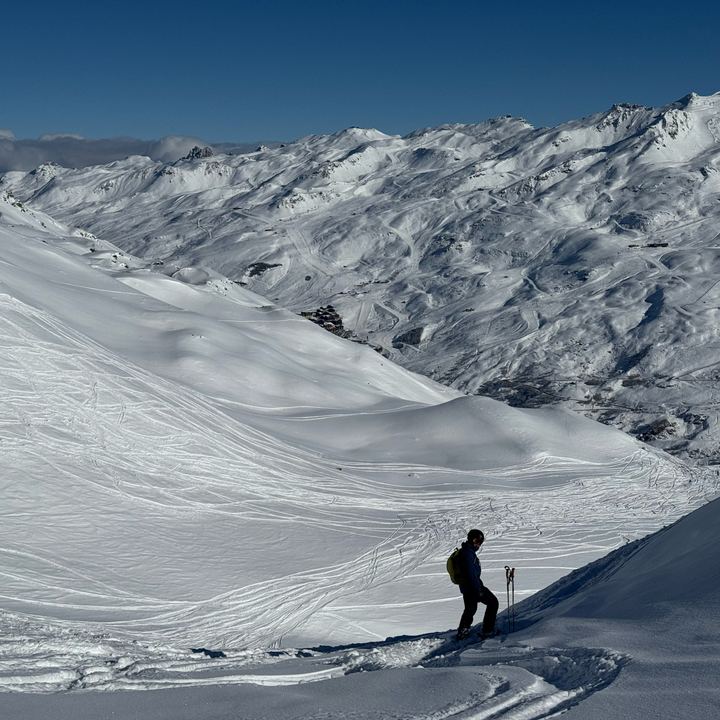
Trips. Nights out. The family. The dog. Every photo, from every phone. One album. Albi.
How it works
Make albums with friends.
One place for the photos from every trip, every dinner and every night out — from everyone who was there.
Albums
One album for every group you’re part of.
One for the family, one for every trip, one with the friends you ski with, one for the restaurants in your city.
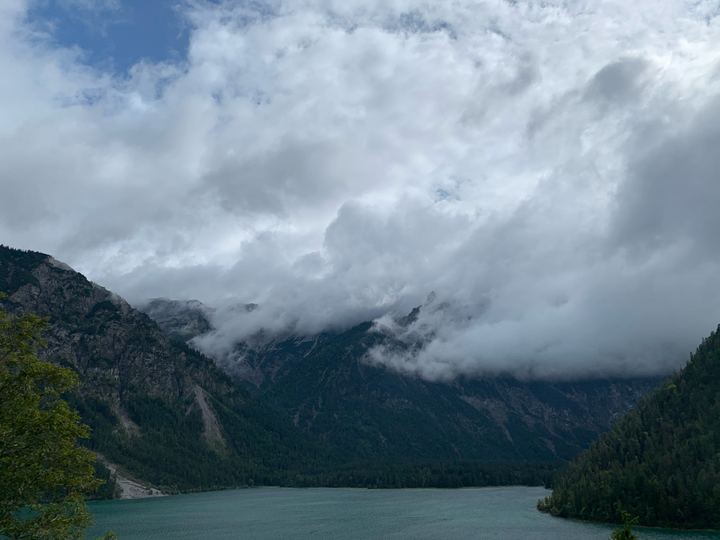
Austria with the family
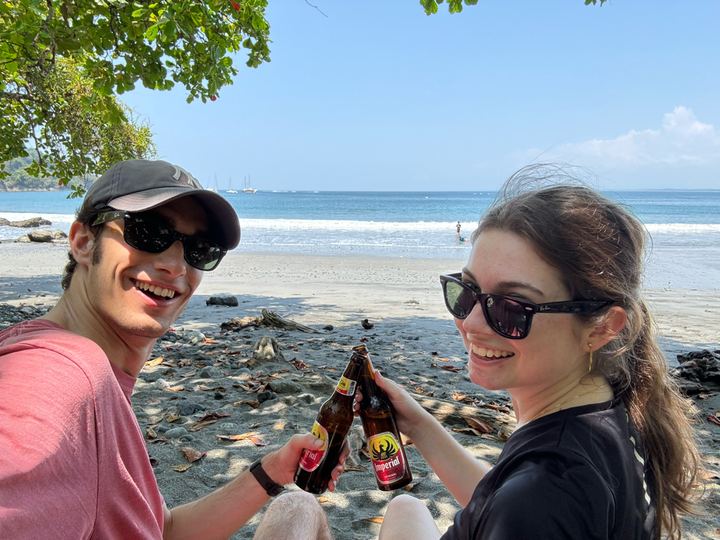
Trip to Costa Rica 🌴
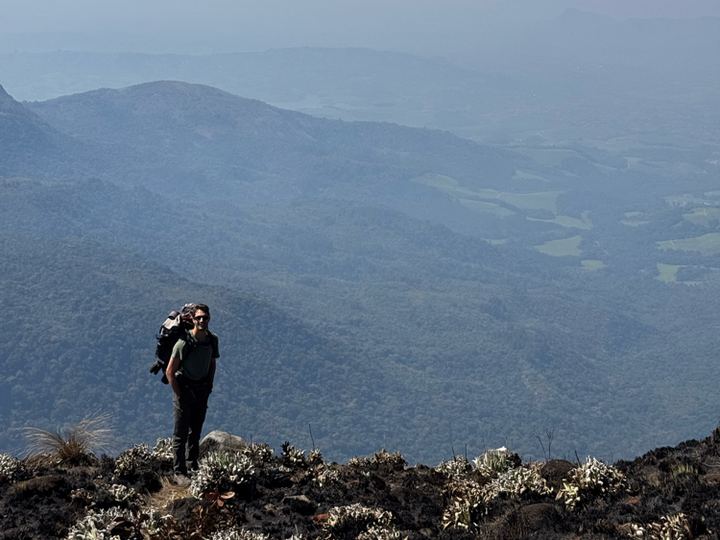
Trip to Zim 🐘
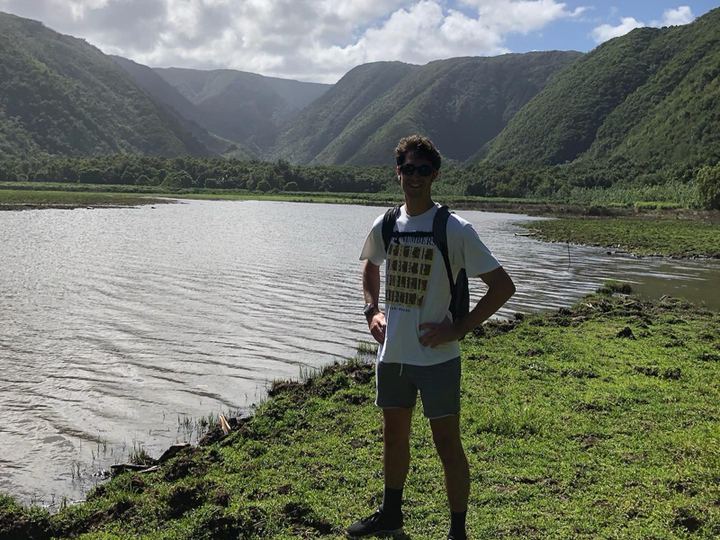
Hawaii ’24
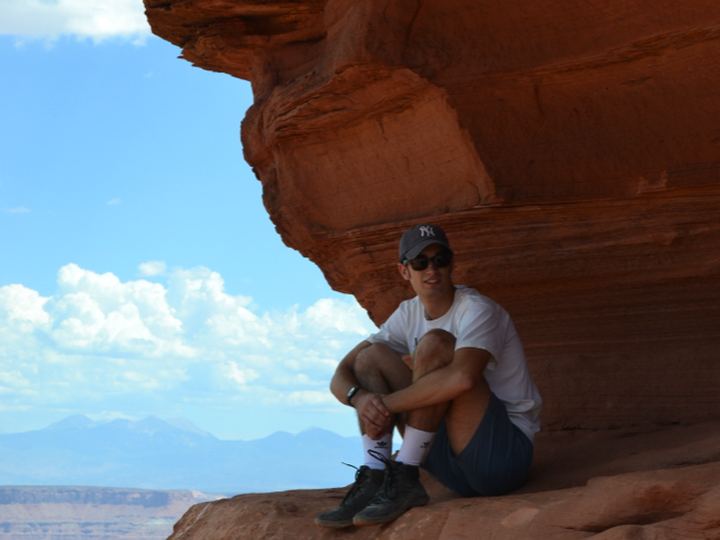
National parks ’25
Austrian powder 🏂

Disposable albums
Shoot a disposable.
24 shots between all of you, like a disposable camera. Nobody sees a photo until the roll is developed — pick the day it reveals, and find out together.
Explore
See what everyone’s up to.
Explore is a grid of posts from people across Albi, with search for people, albums and posts. See something you’d like to do? Save it.
Widgets
Your albums, on your Home Screen.
Put your favourite albums on your Home Screen, see how many shots a disposable has left, and jump straight to the camera.
Privacy
You decide who sees what.
Choose who sees each album: just the people in it, their followers too, or anyone on Albi. Only the people in it can add photos.
- Only members
- Just the people in the album.
- Friends
- The members and anyone who follows one of them.
- Everyone
- Anyone on Albi can see it.
And much more.
Feed
Your friends’ posts, as they land.
Film looks
Shoot in Silver, Noir, Golden or Digicam.
Comments
Say something on any post.
Save
Keep a friend’s post for yourself.
Share into Albi
Send photos in from any app.
No signal? No problem
Photos upload once you’re back online.
Free on iPhone and Android
Get Albi.
Make an album, add your friends, and everyone’s photos land in one place.
DownloadHow do I get Albi?
Download it now from the App Store or Google Play. Click me to download now
What does it cost?
Nothing. Albi is free. So you should download it now.
What's a disposable album?
An album that works like a disposable camera: 24 shots between everyone in it, and nobody sees them until the roll is developed. You can pick the day it reveals.
What happened to nooks?
Nooks are albums now, built around the photos you and your friends take. Everything you had is still there.
Who can see my albums?
You choose for each album: Only members (just the people in it), Friends (the members and anyone who follows one of them) or Everyone (anyone on Albi). Only members can add photos.
How much can I upload?
Every account has 2 GiB of storage, and a photo counts against whoever added it — so an album everyone fills is shared across everyone in it. If you fill yours up, you can request more from the app.
Can I use Albi on my own?
Yes. Make albums only you can see. It's better with people in them — but nothing here needs anybody else.